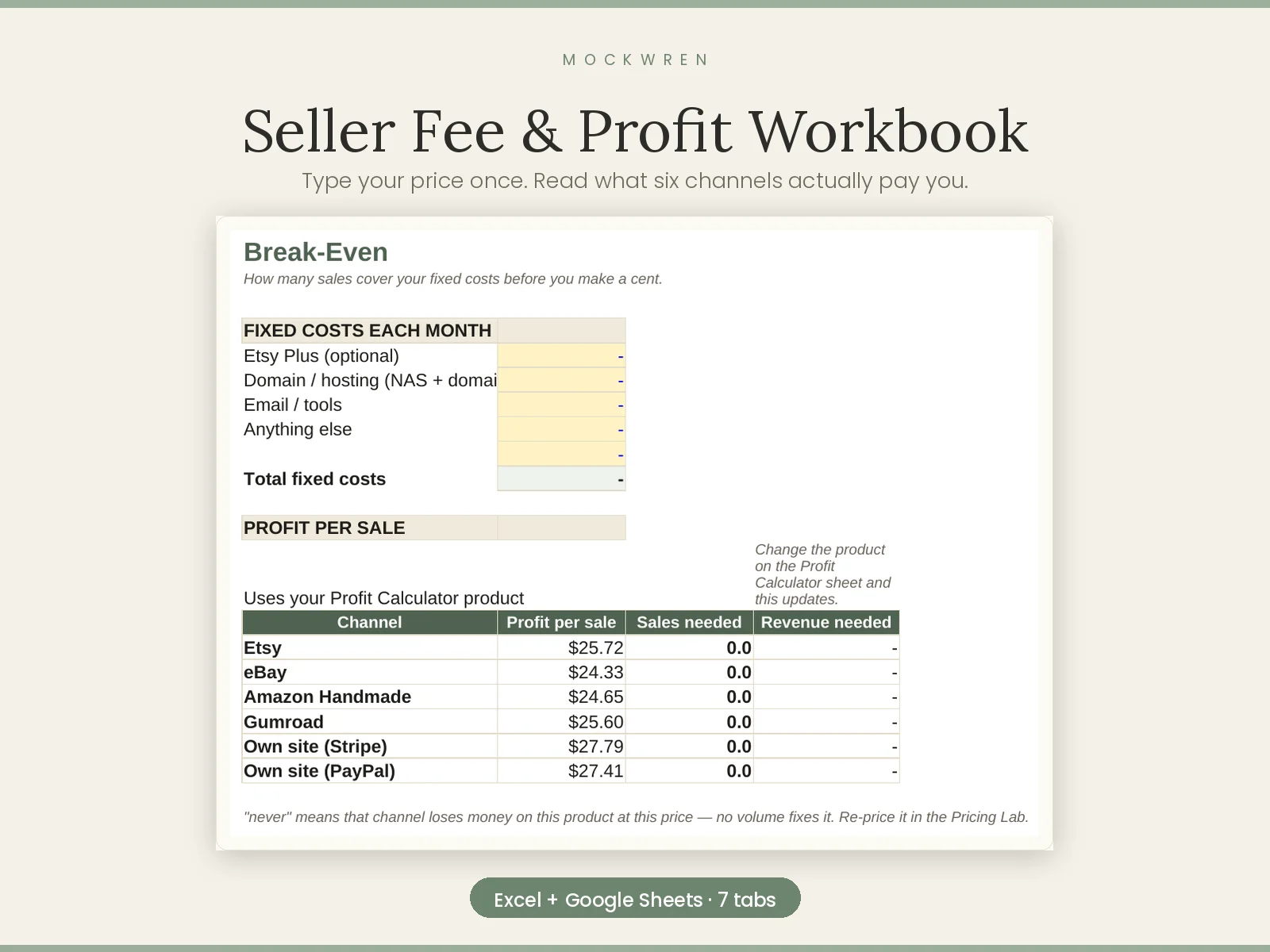
Six sales channels, side by side, with Etsy's two different fee bases modelled correctly. Find out what you actually keep.
Get it — $79MockWren Studio sells to customers in the United States. Our workbooks calculate US sales tax and work in US dollars, and we are not registered for EU or UK VAT, so we do not currently sell into those markets. Everything we publish for free — the blog, the forum, every guide on the site — is open to read from anywhere.
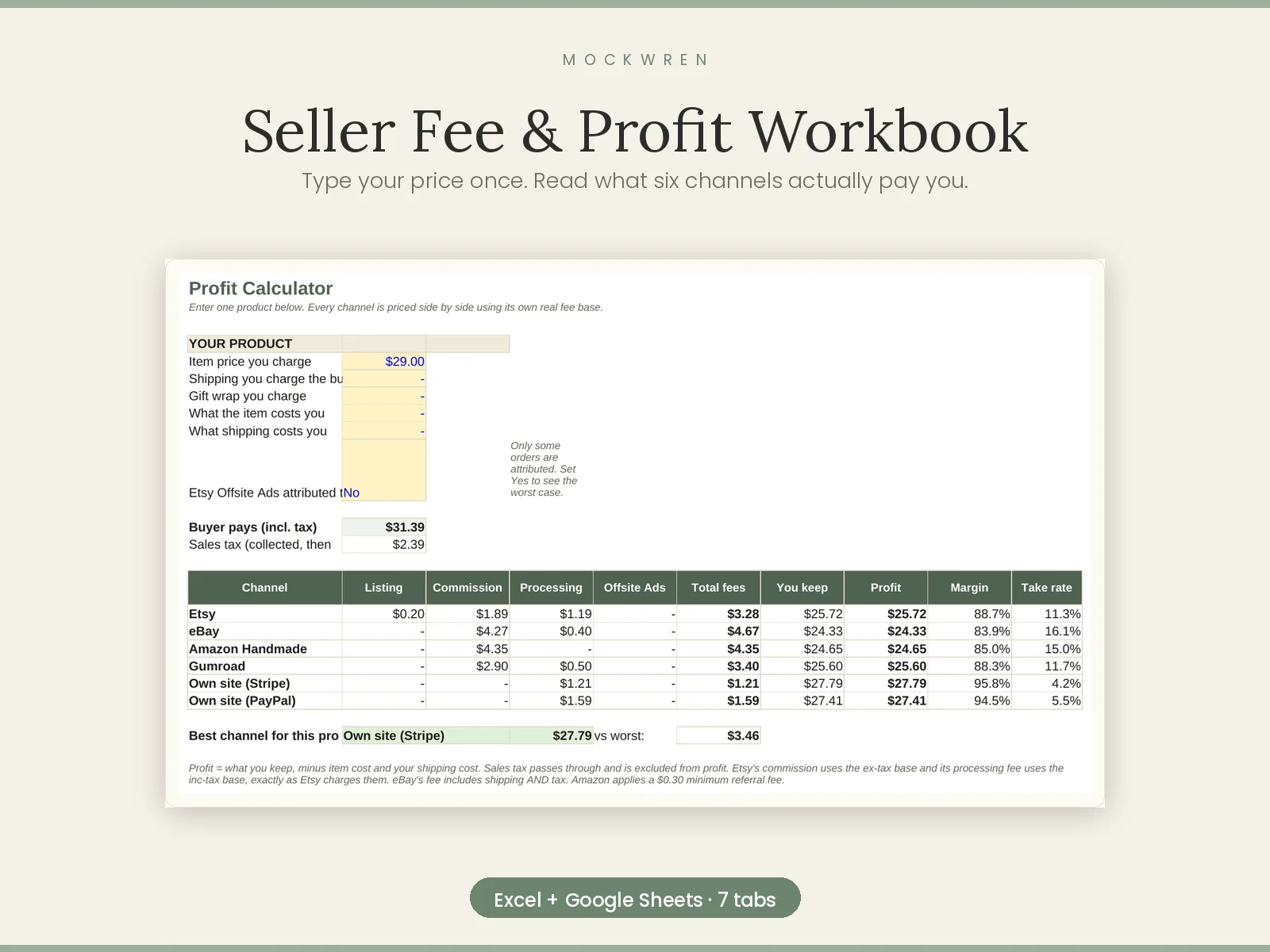
You listed it at $29. The payout said $25.72. Etsy took $3.28 — and on orders that came from an Etsy ad, another $4.35 on top.
This workbook shows you exactly where every cent went, on six different sales channels.
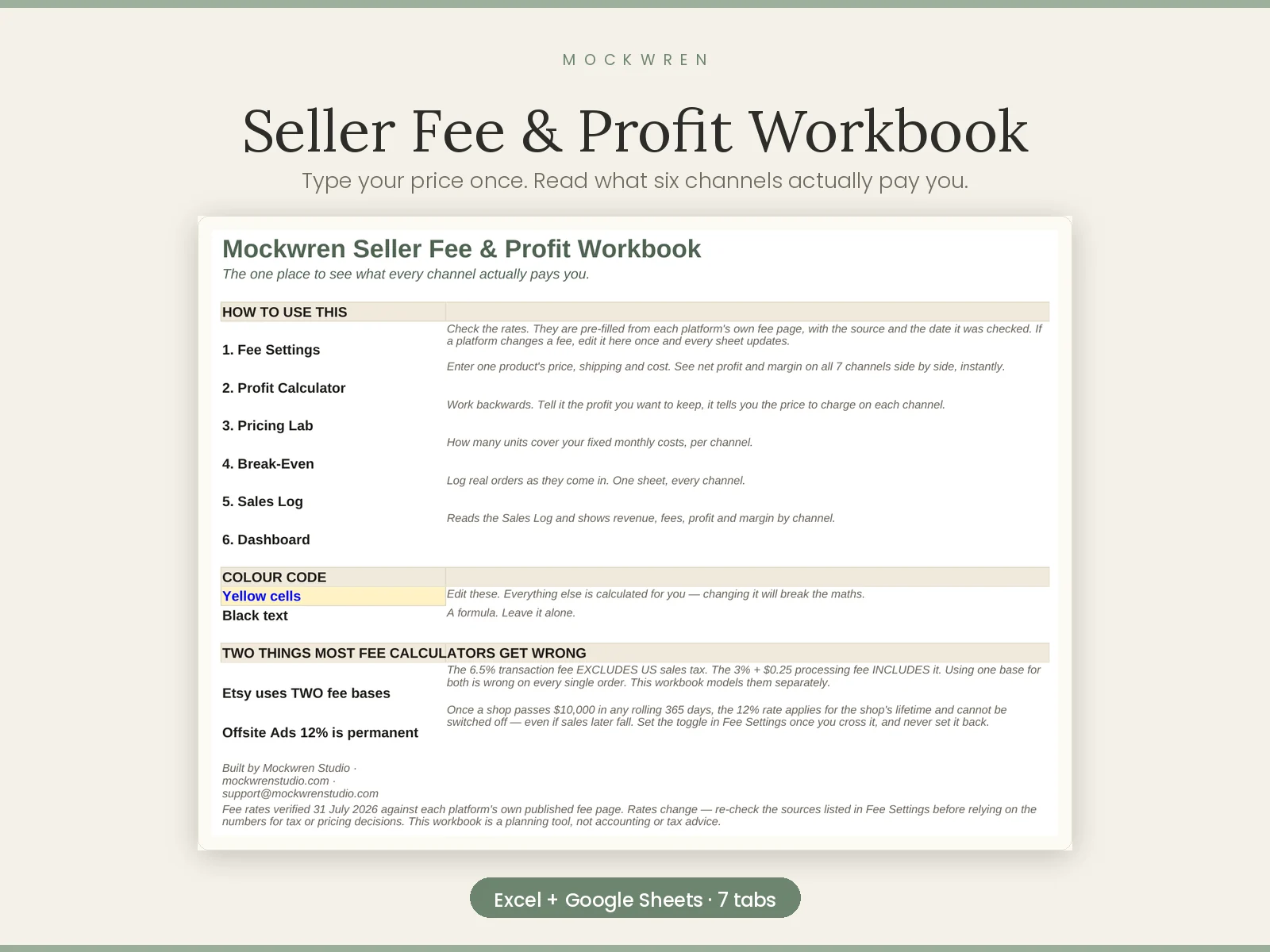
Seven sheets, 746 formulas, six channels in one file
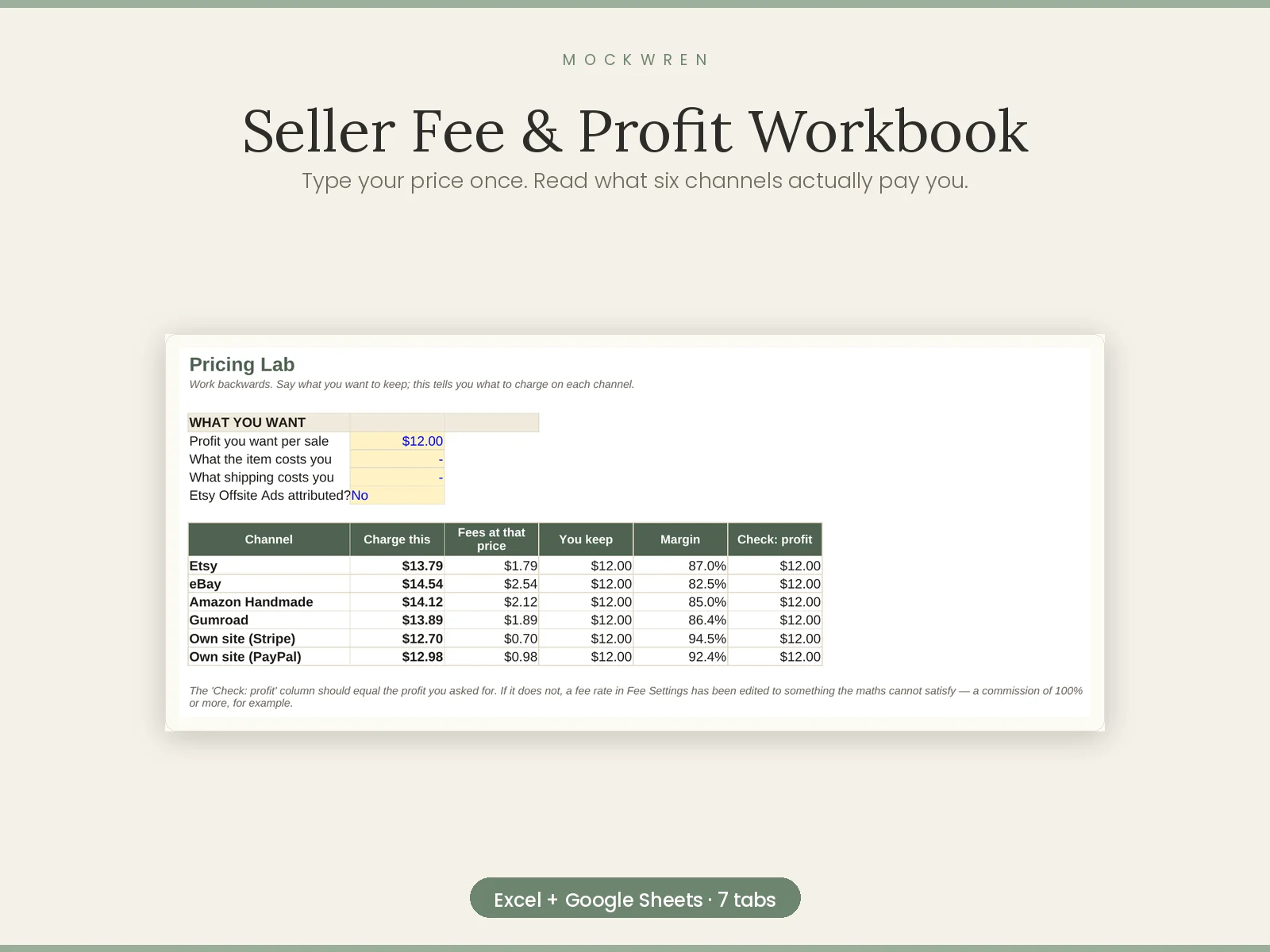
Most fee calculators cover one channel. This one puts Etsy, eBay, Amazon Handmade, Gumroad, your own site via Stripe and your own site via PayPal next to each other, on the same product, so the comparison is real rather than remembered.
What it does
Why the numbers are right
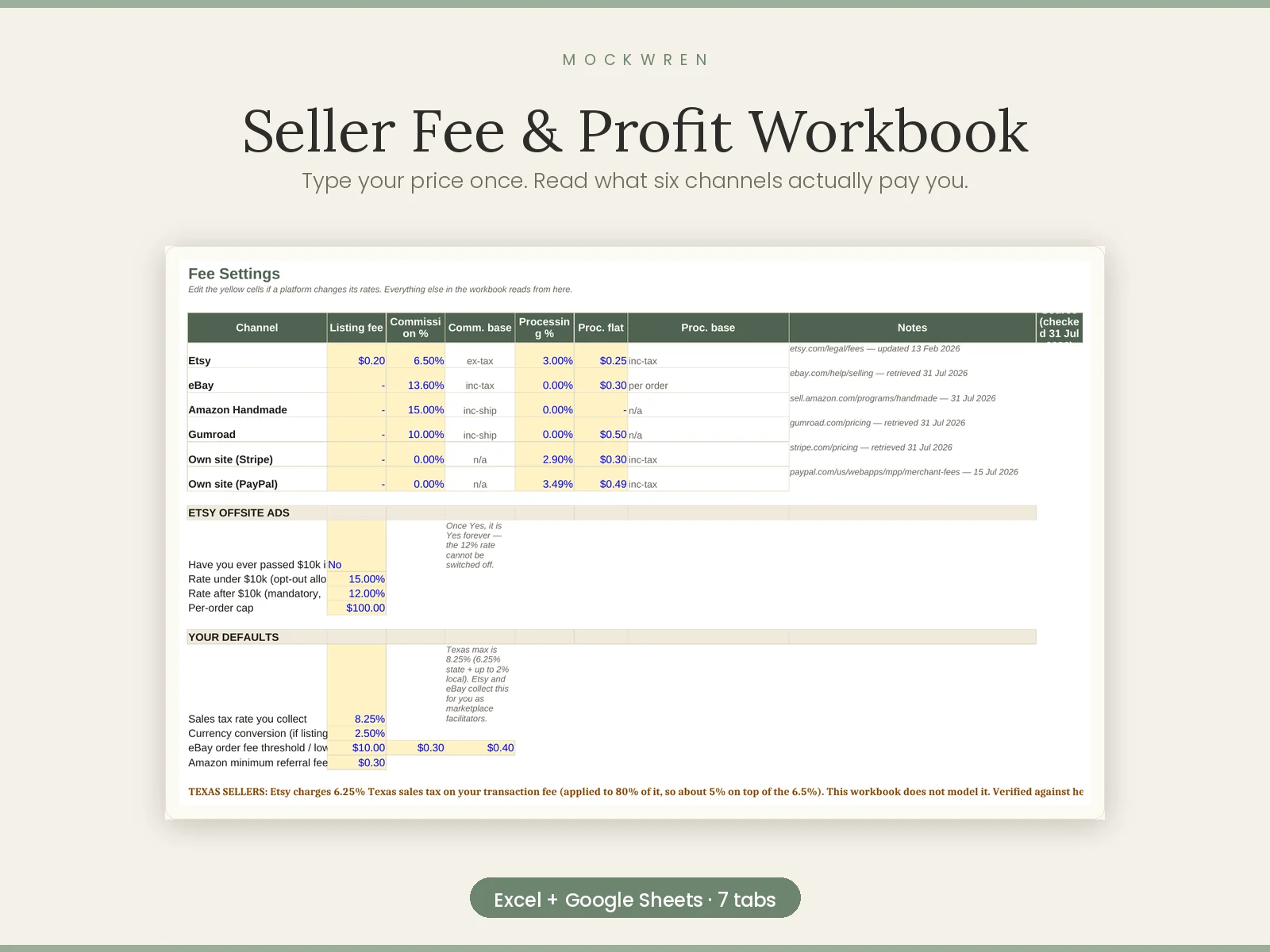
Etsy charges its two main fees on two different amounts. The 6.5% transaction fee is calculated on a base that excludes US sales tax. The 3% + $0.25 processing fee is calculated on a base that includes it. Most calculators apply one base to both, and are quietly wrong on every order.
This workbook models them separately. The Offsite Ads section accounts for the $100 per-order cap, and for the fact that the 12% rate becomes permanent — and can no longer be switched off — once a shop crosses $10,000 in any rolling 365 days.
Every rate was verified against the platform's own published fee page. When a platform changes something, you edit one cell and the whole workbook follows.
Who this is not for
If you sell on one channel and have no intention of adding another, a single-channel calculator is cheaper and will serve you fine. This is for the seller who suspects they are on the wrong channel and wants the arithmetic before they move.
What you get
One Excel workbook (.xlsx), seven sheets, plus a how-to guide and licence terms. Instant download after payment. Works in Excel, Numbers and Google Sheets.
If a file will not open, or is not what this page described, email support@mockwrenstudio.com and it gets fixed or refunded. No argument.
Products are created in-house unless the product page says otherwise, and are for educational use. We make no income or performance claims — outcomes depend on your own effort and circumstances.
 Keep more of what you earn
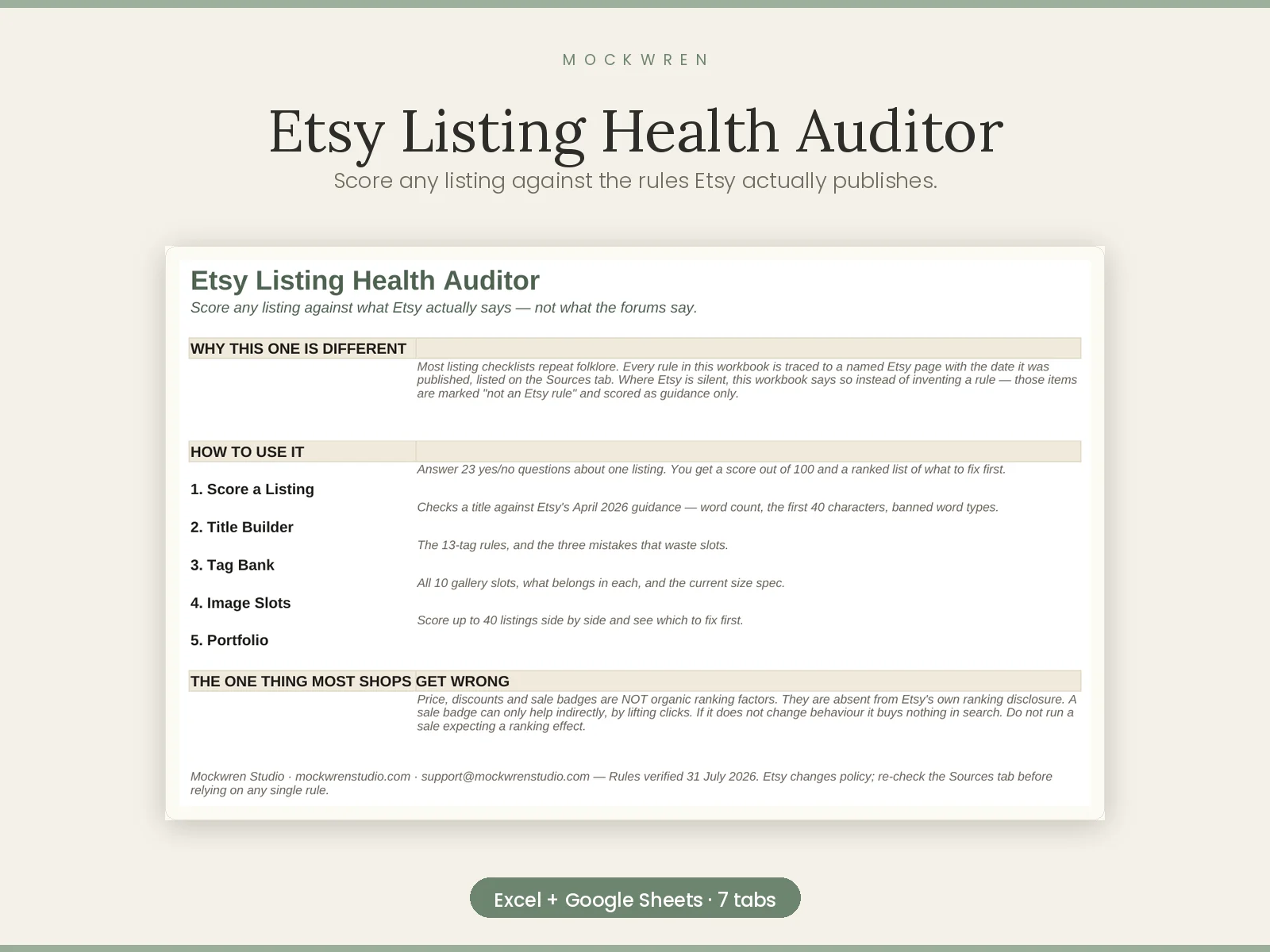
Score any listing out of 100 against the rules Etsy actually publishes — every one of them cited, dated and checkable.
 Keep more of what you earn
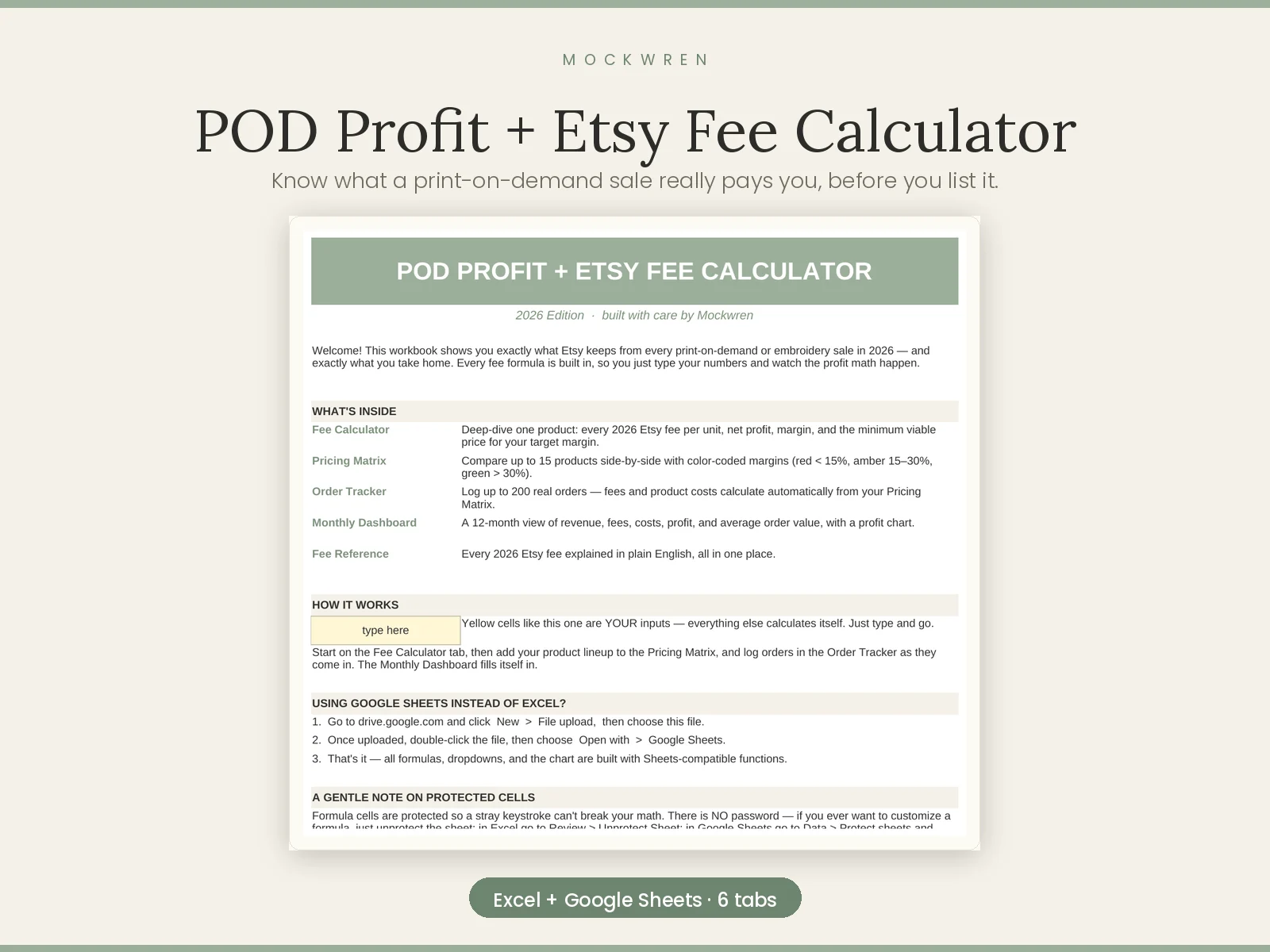
Know what a print-on-demand sale really pays you, before you list it. Six sheets, 786 formulas.
 Keep more of what you earn
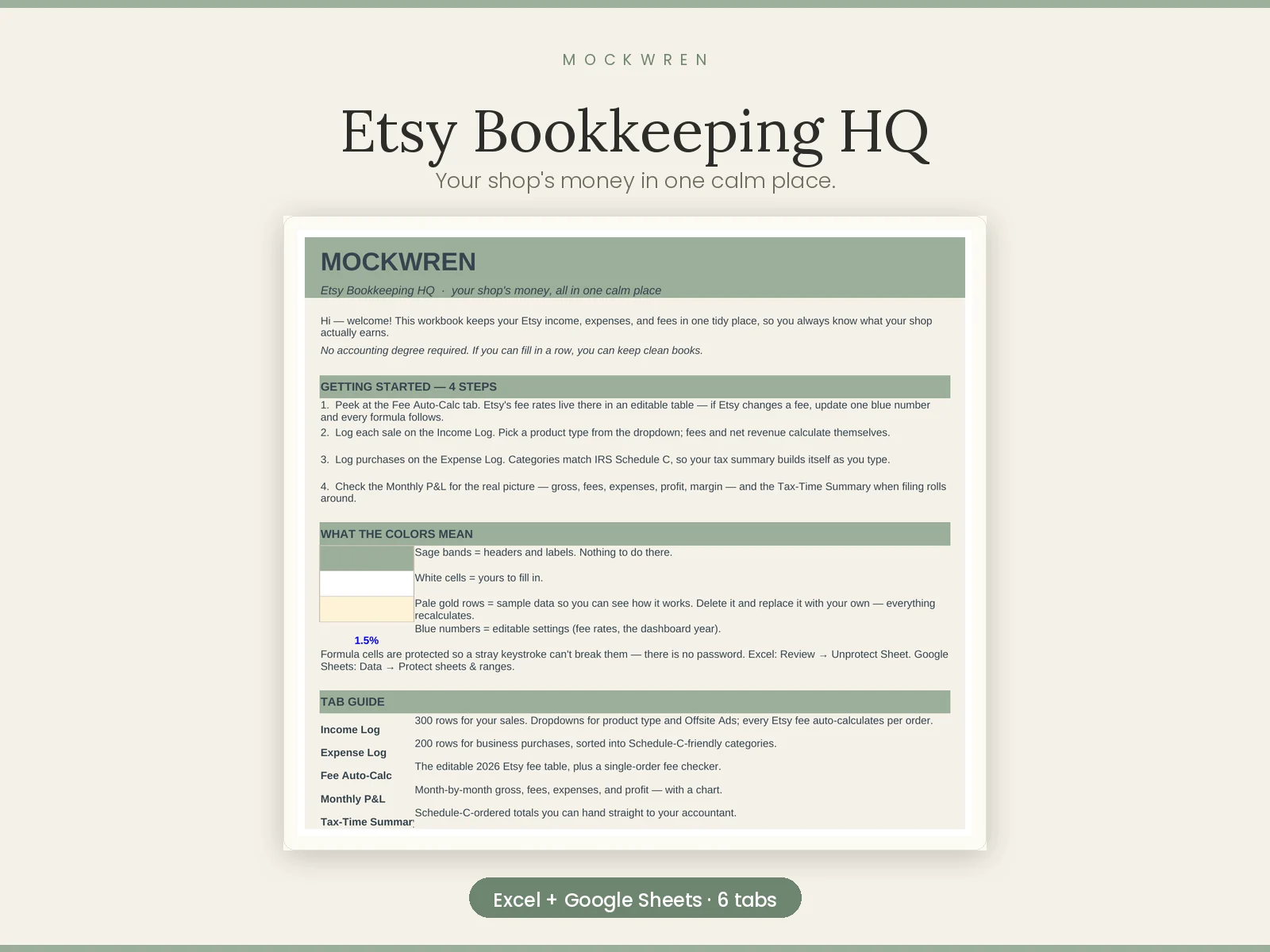
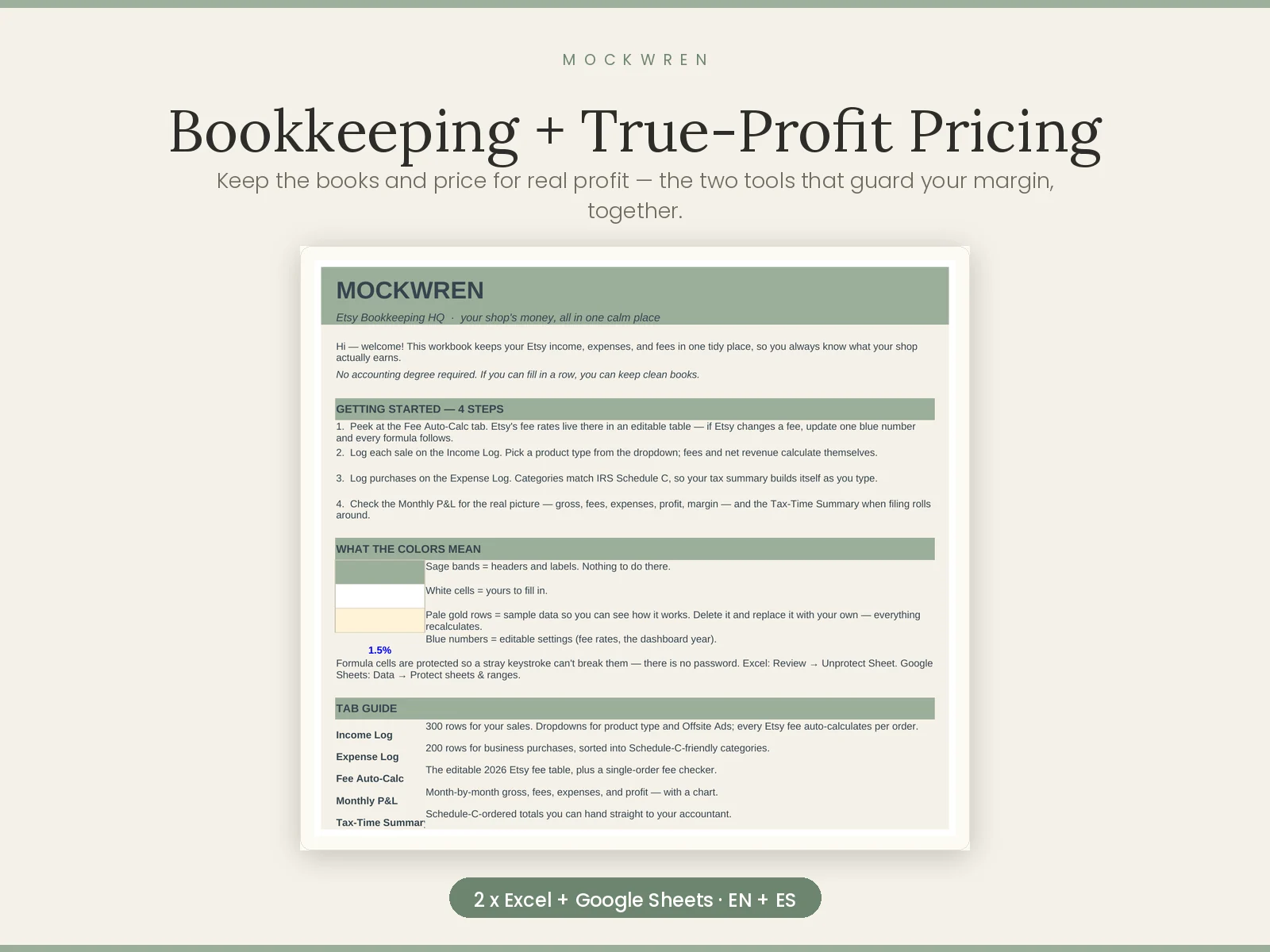
Your shop's money in one calm place — income, expenses, fees, monthly P&L and a tax-time summary.
 Keep more of what you earn
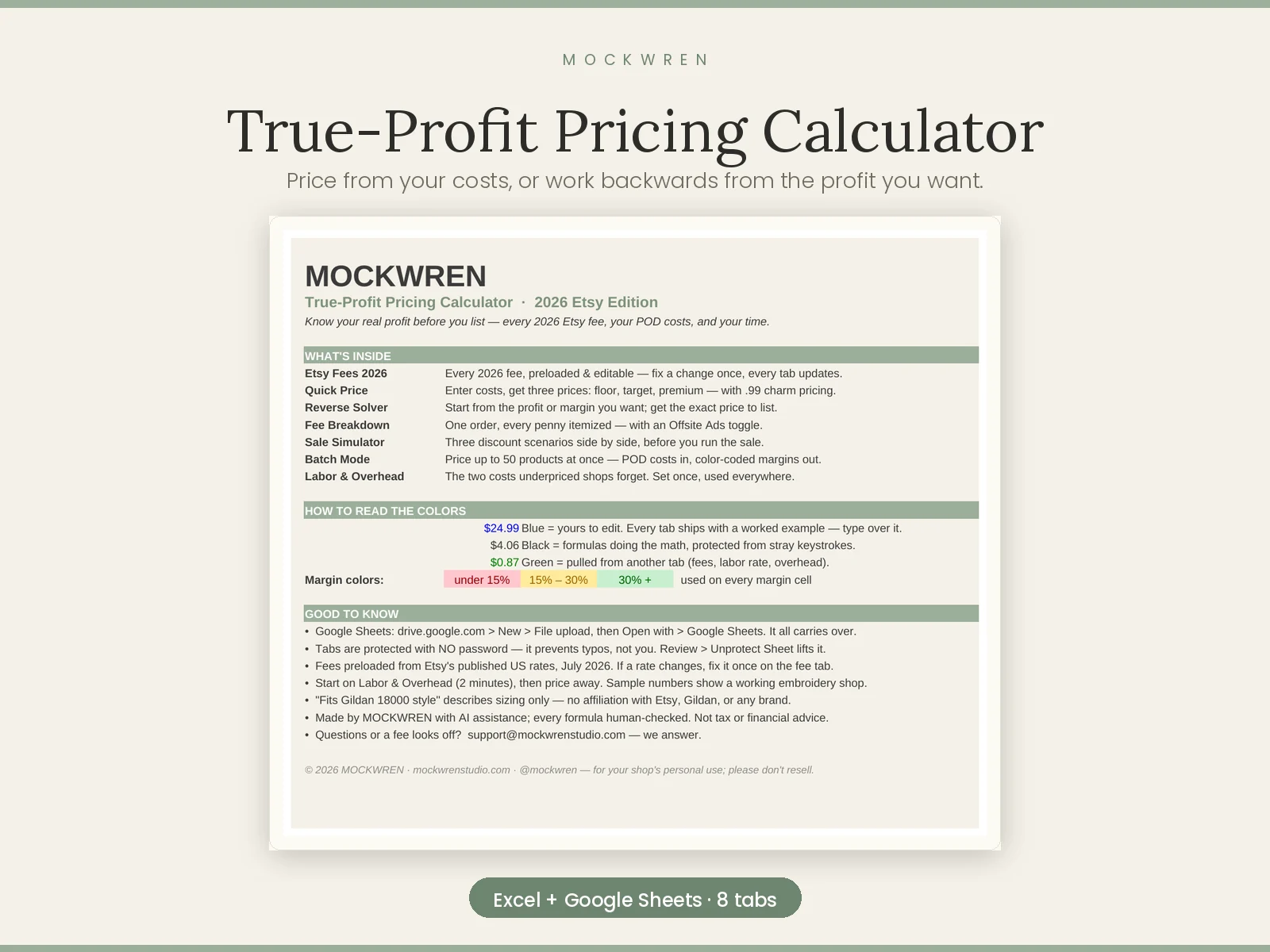
Price from your costs, or work backwards from the profit you want. Eight sheets, including labour and overhead.
 Keep more of what you earn
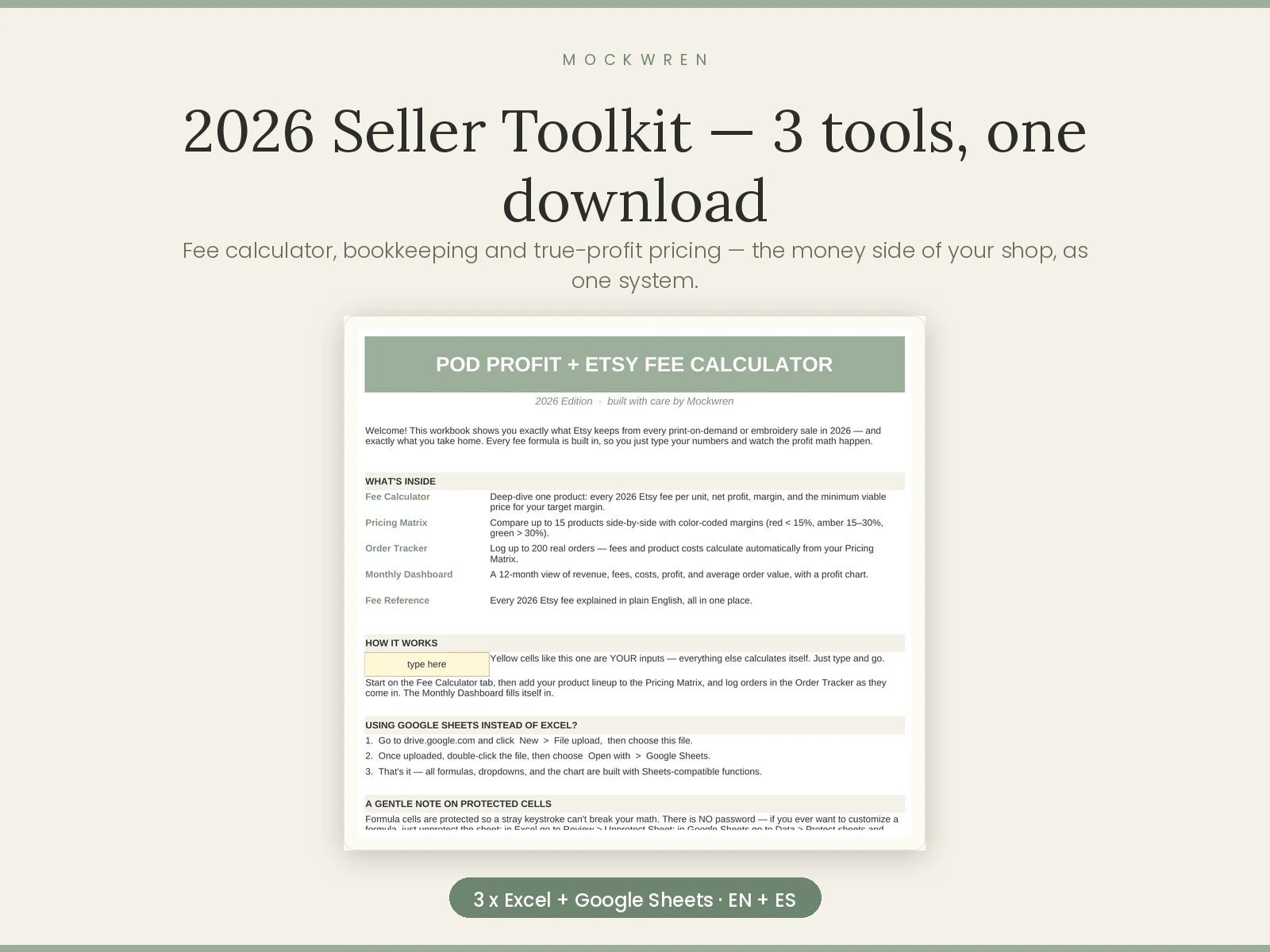
Fee calculator, bookkeeping and true-profit pricing — the money side of your shop as one system, for less than buying them apart.
 Keep more of what you earn
Keep the books and price for real profit — the two tools that guard your margin, together for less.
 Mockwren